


Choice Lenovo Wireless Bluetooth Earphones ENC Noise Reduction Low Latency Gaming Headset Pro 6 Business Earbuds Music LE201


Choice Lenovo Wireless Bluetooth Earphones ENC Noise Reduction Low Latency Gaming Headset Pro 6 Business Earbuds Music LE201
SPECIFICATIONS
Active Noise-Cancellation: No
Battery Capacity: 25mAh(earbuds) 250mAh (charging case)
Battery Capacity[mAh]: 250
Bluetooth Version: V6.0
Brand Name: Lenovo
Category: Earphones & Headphones
Charging Method: cable
Charging Port: Type-C
Charging Time: About 2H
Choice: yes
Communication: True wireless
Connectors: Type c
Control Button: Yes
Driver Diameter: 10
Earcups Type: Sealed
Frequency Response Range: 20 - 20000
Function: Sport,for Video Game,For Mobile Phone,HiFi Headphone,For Office,For Outdoor
High-concerned chemical: None
Impedance Range: up to 32 Ω
Is wireless: Yes
Item Condition: New
Material: Plastic,ABS
Max Output: 10
Maximum wireless range[m]: <10m
NFC Technology: No
Number Of Drivers: 2
Origin: Mainland China
Package List: User Manual,Charging case,Charging Cable
Plug Type: NONE
Product Model: LE201
Product Name: Lenovo True Wireless Bluetooth Earbuds
Sensitivity: 96
Single Earbud Playback Time: About 4H
Sound Isolating: Yes
Style: Tws in-ear headphones
Support APP: Yes
Support Memory Card: No
Total Harmonic Distortion: 1
Vocalism Principle: Dynamic
Volume Control: Yes
Wireless Earphones: Wireless Bluetooth Earphones
Wireless Type: Bluetooth
With Microphone: Yes
Choice Lenovo Wireless Bluetooth Earphones ENC Noise Reduction Low Latency Gaming Headset Pro 6 Business Earbuds Music LE201
(For more questions about how to use headphones, please refer to the end of the article)
Product Parameters
Product Name:Lenovo True Wireless Bluetooth Earbuds
2.Model:LE201
3.Color:White, beige, black,silver-gray
4.Control Method:Touch buttons
5.Bluetooth Version:V6.0
6.Communication Distance:About 10 meters
7.Applicable:Bluetooth-enabled playback devices
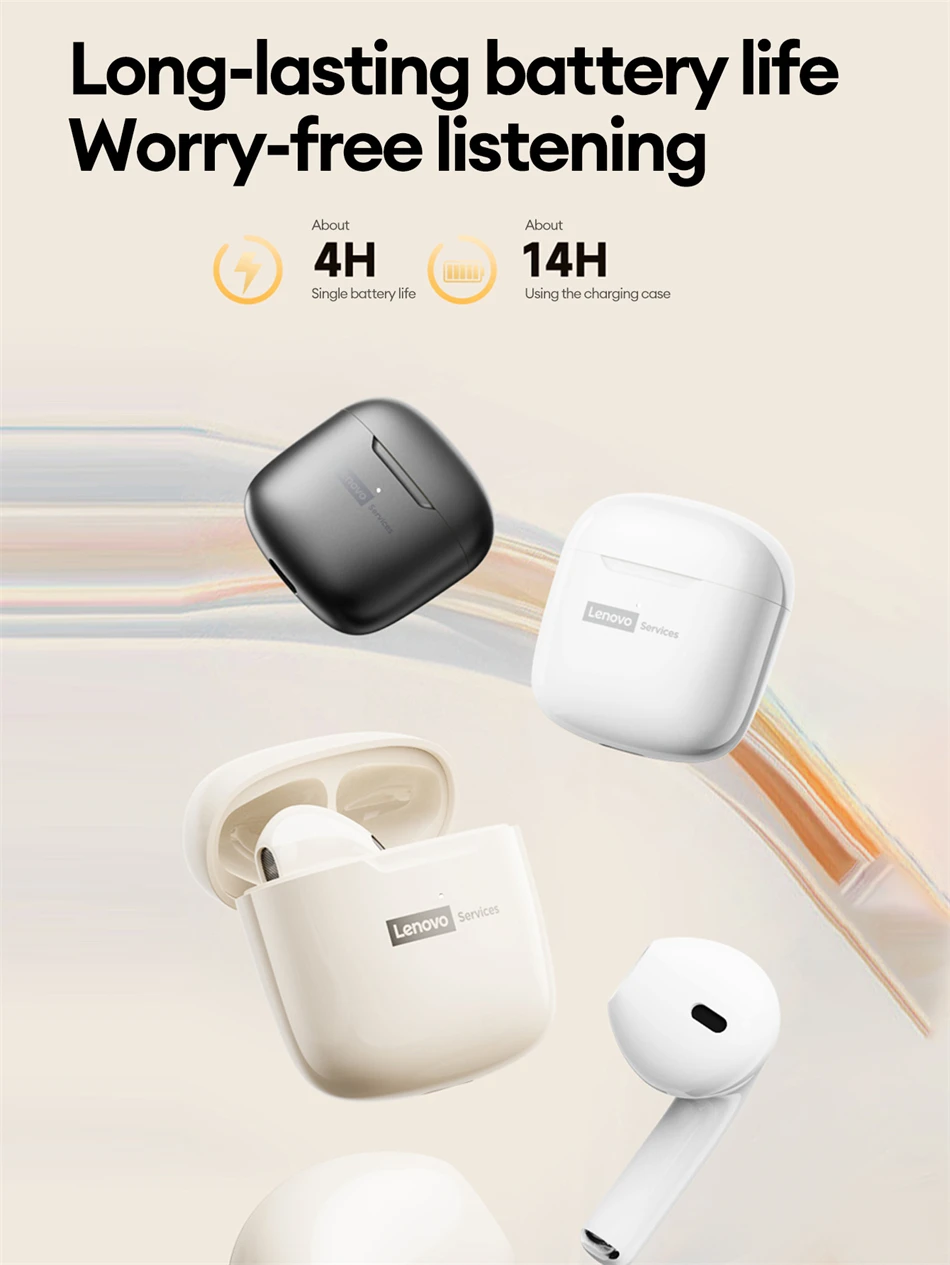
8.Single earbud listening time:About 4 hours(normal volume)
9.Charging case battery iife:About 4 hours
10.Charging port:Type-C
11.Charging time:About 2 hours
12.Batterycapacity:25mAh (earbuds)250mAh (charging case)
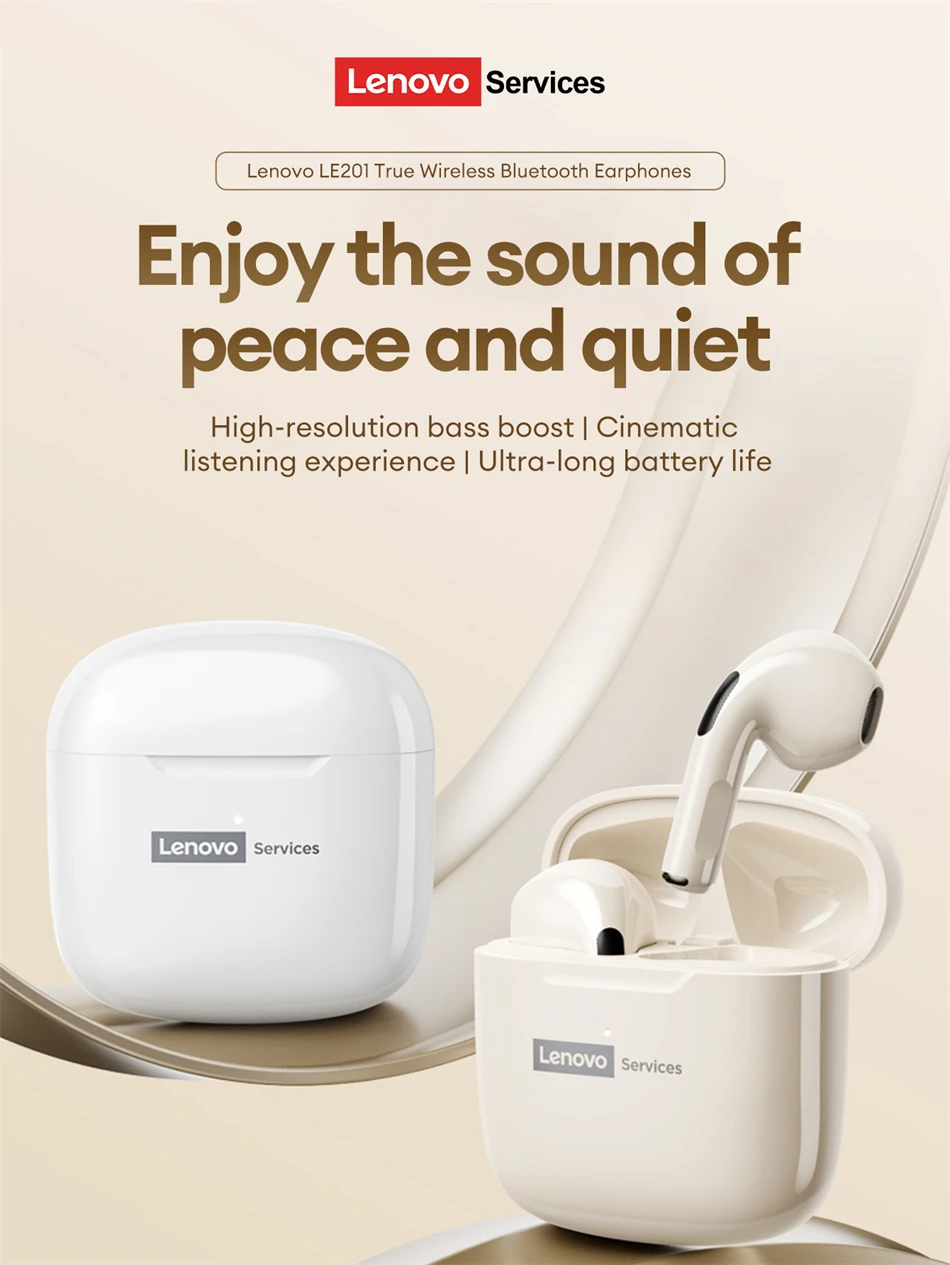
Enjoy the sound of peace and quiet
High-resolution bass boost |Cinematic
listening experience | Ultra-long battery life
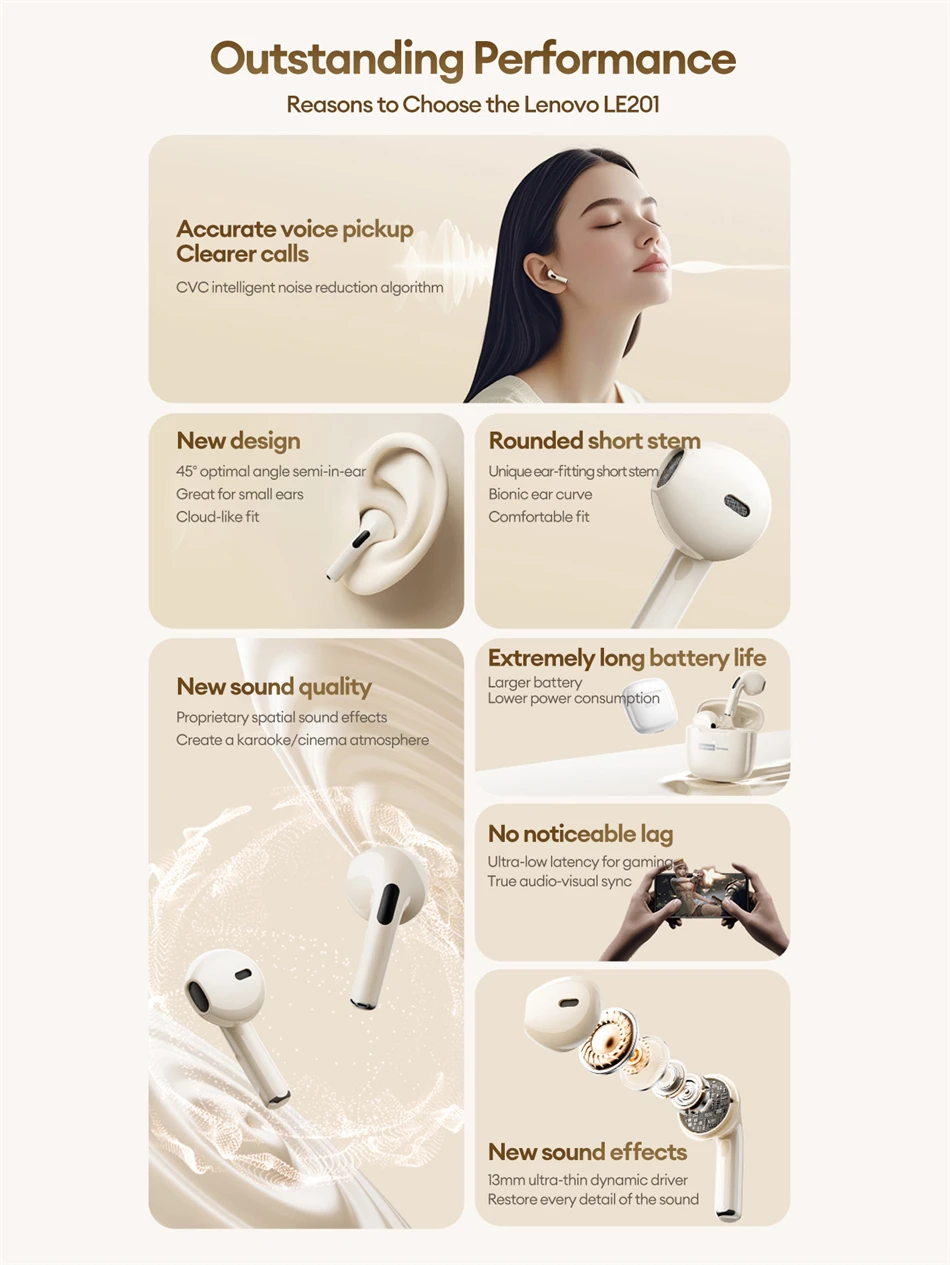
More than just comfort Great sound Outstanding Performance
1.Accurate voice pickup Clearer calls
2.New design
3.Rounded short stem
4.New sound quality
5.Extremely long battery life
6.No noticeable lag
7.New sound effects
MAX Cinema- Grade Soundtrack
Multiple sound source switching and dynamic near and far zoom algorithms achieve spatialdynamic simulation, allowing for a more immersive surround sound experience,elevating it to a new level of live actlon spatial audio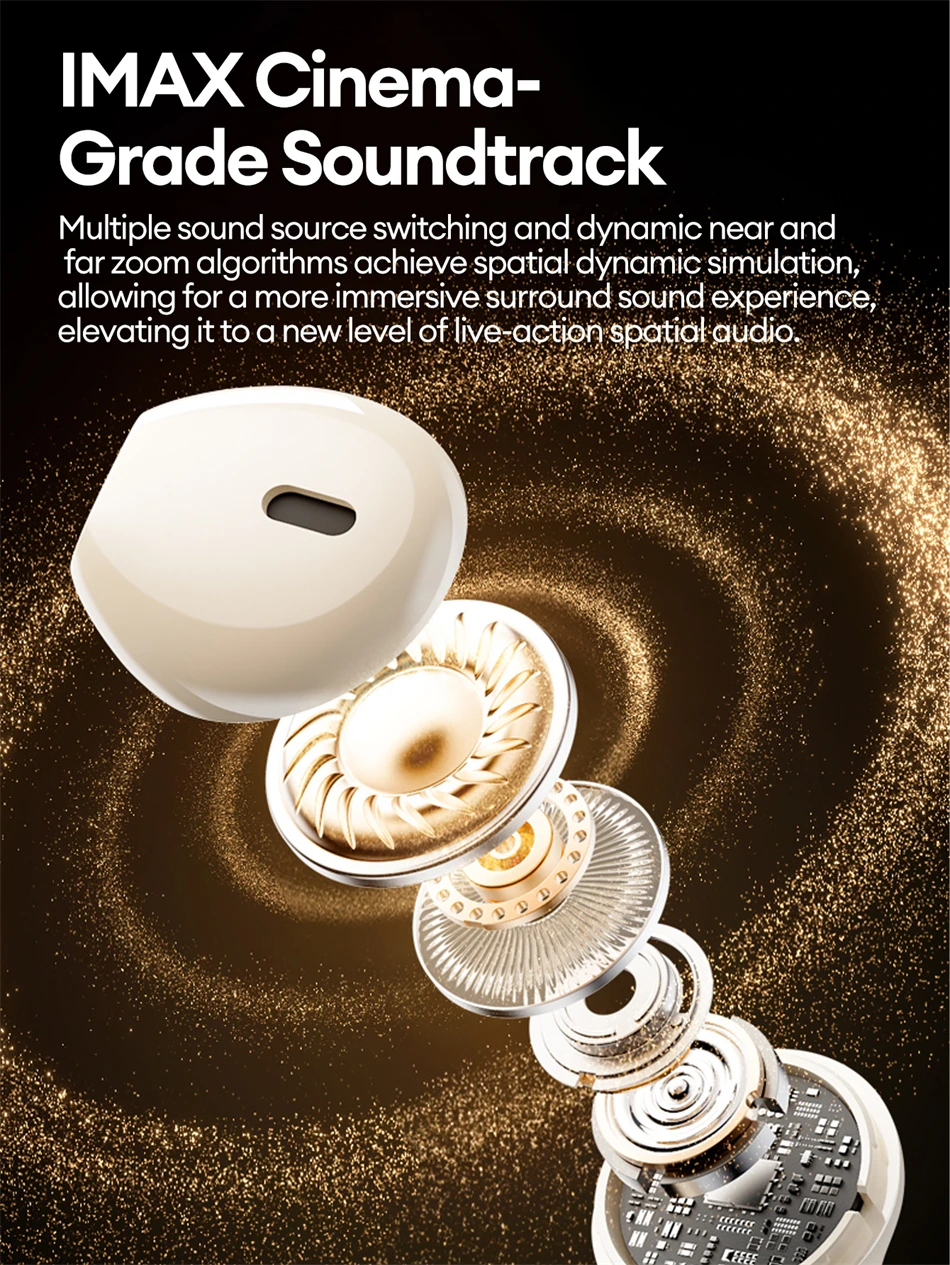 Long-lasting battery life Worry-free listening
 ENC CallNoise Cancellation Every word is crystal clear
The ENC noise reduction algorithm distinguishes between human voices and noise, and suppresses or eliminates background sounds like wind noise, effectively ensuring high-definition calls.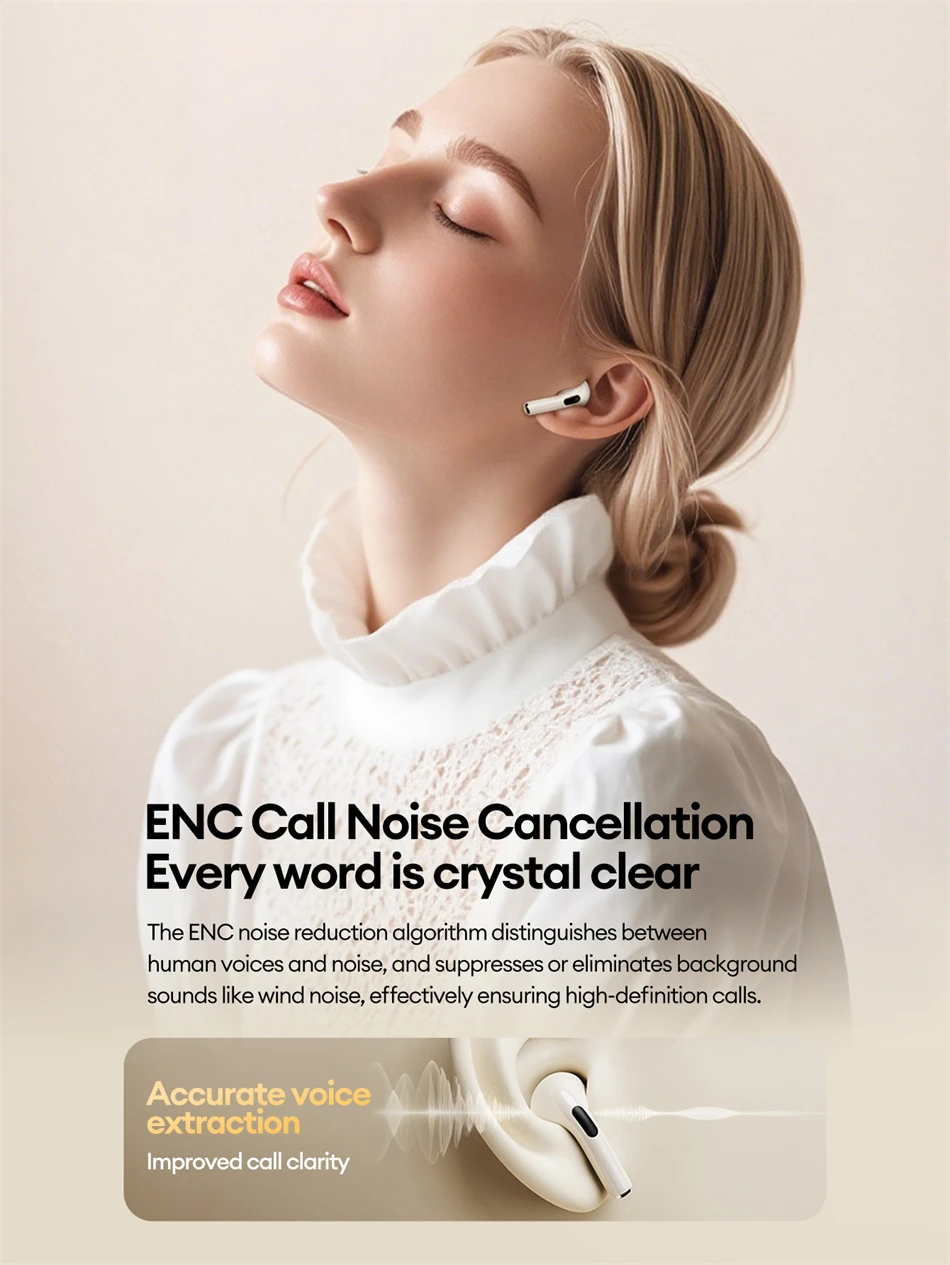 Max-out specs and a refined aesthetic.
The charging case and earbuds elegantly combine with round, soft elements for a simple, integrated design that's sure to draw in more attention.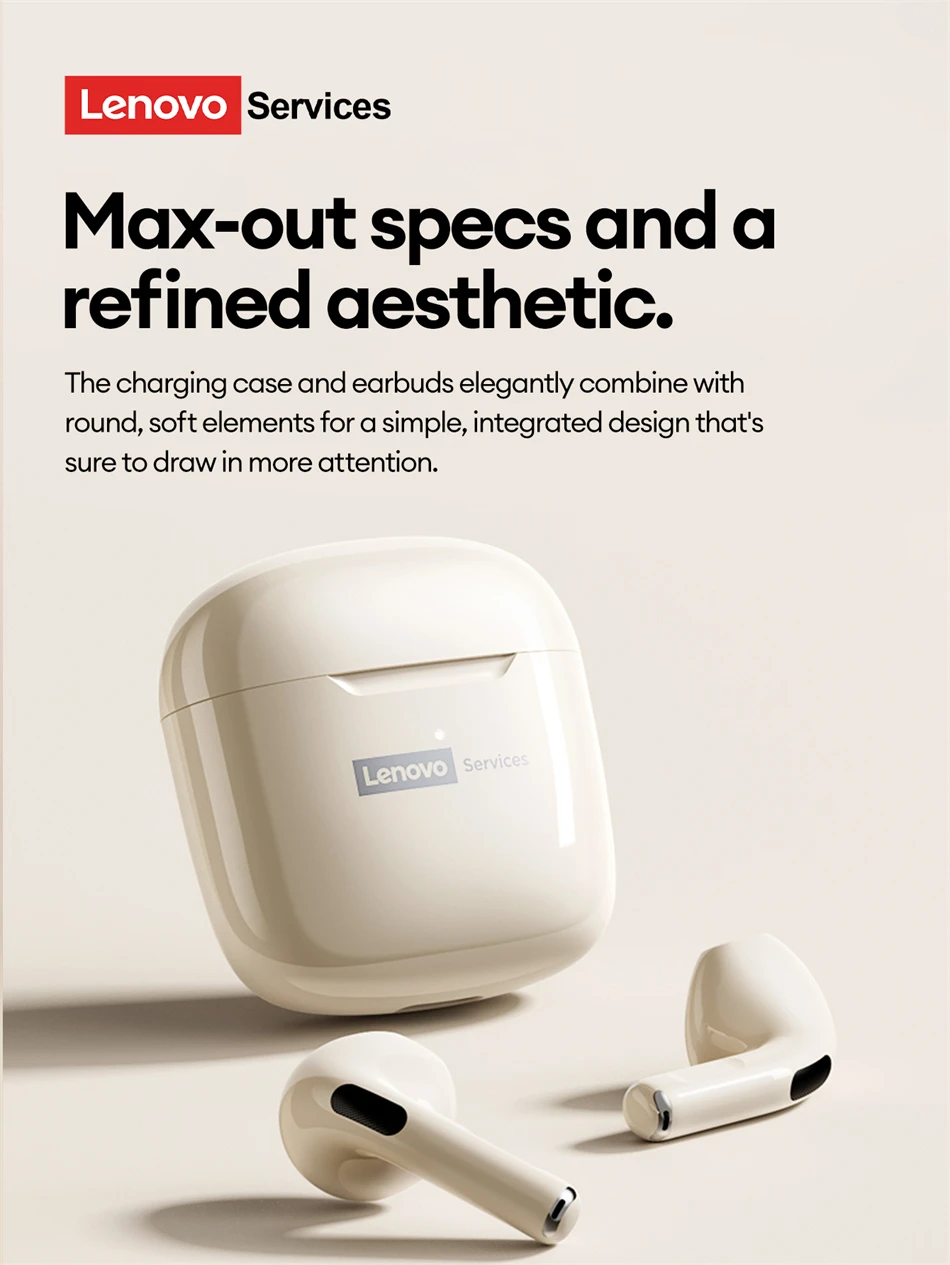 1.Play/Pause:Double-click any headphone function button
2.Answer/end call:Double-clickany headphone function putton
3.Reject call:Press and hold any function button for 2 seconds
4.Voice assistant:Press and hold the left function button for2 seconds
5.Previous track:Triple-click the left headphone function button
6.Next song:Triple-click the right headphone function button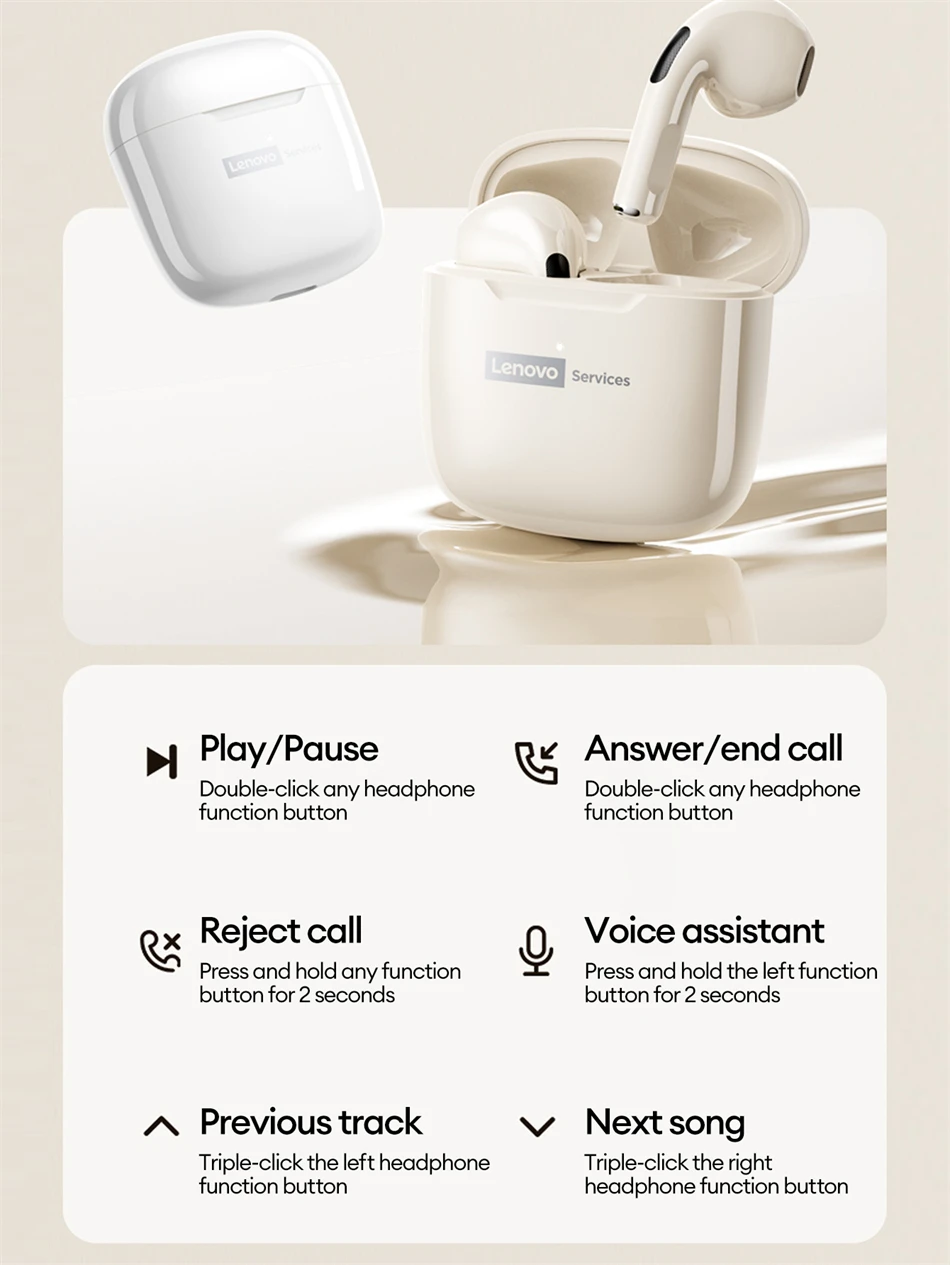 Flexible Touch Control Highly Sensitive on the Go
Equipped with an intelligent touch sensor unit, it switches between motion states in a split second and accurately recognizes touch requests.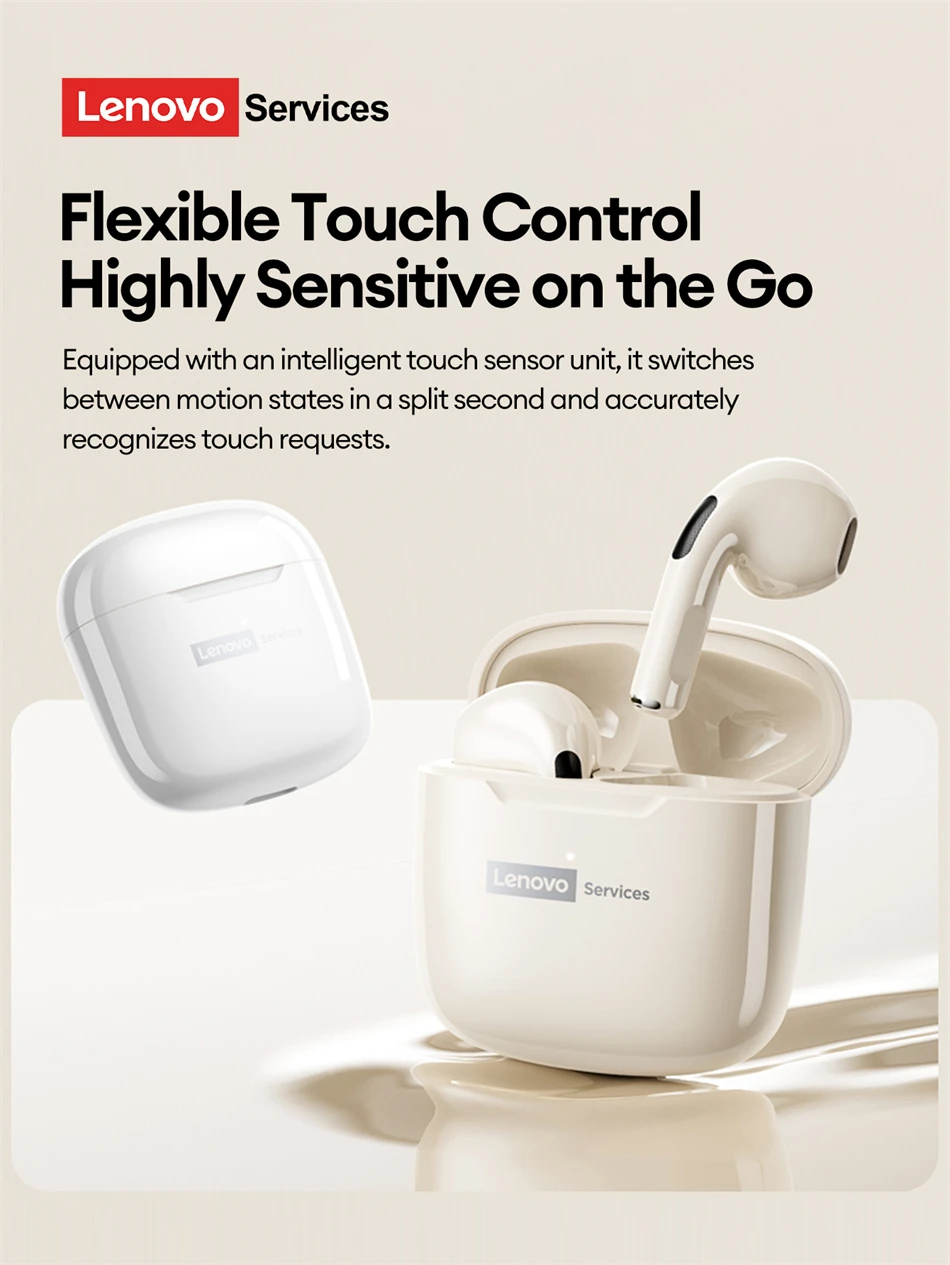 Product Parameters
Product Name:Lenovo True Wireless Bluetooth Earbuds
2.Model:LE201
3.Color:White, beige, black,silver-gray
4.Control Method:Touch buttons
5.Bluetooth Version:V6.0
6.Communication Distance:About 10 meters
7.Applicable:Bluetooth-enabled playback devices
8.Single earbud listening time:About 4 hours(normal volume)
9.Charging case battery iife:About 4 hours
10.Charging port:Type-C
11.Charging time:About 2 hours
12.Batterycapacity:25mAh (earbuds)250mAh (charging case)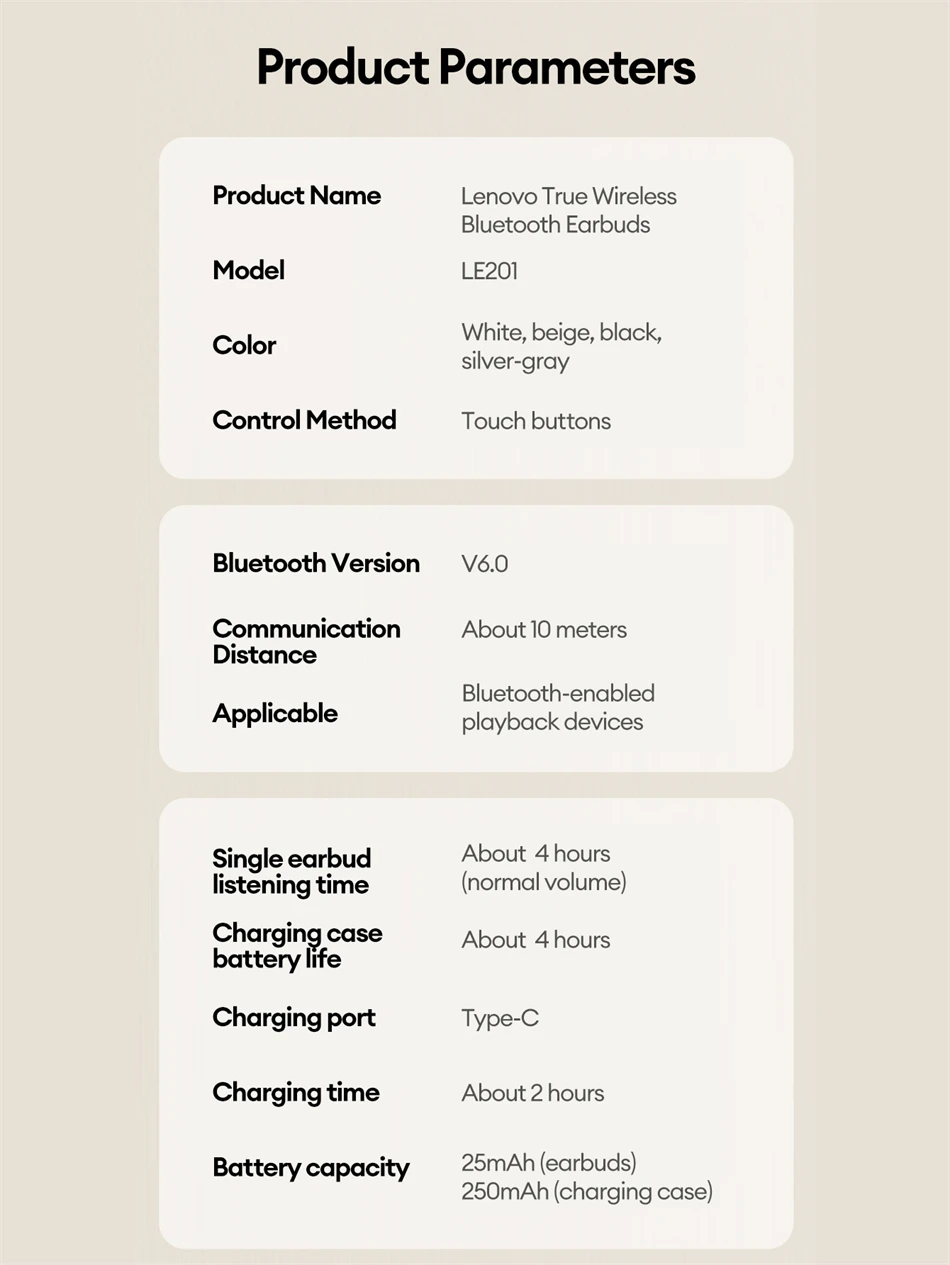 FAQ:
FAQ:
1. Are they comfortable while wearing?
Yes. The headphones are sized to fit most people's ear size and provide more convenience while maintaining comfort.
2. Do they pair automatically with the phone or do I have to connect manually each time?
Yes, of course. It will automatically connect with your device after first-time use.
3. How long does it take to fully charge?
Generally, 1.5 hours is enough to get it fully charged for earphones and 1 hour for earphones compartment.
4. Does this have a built-in microphone?
Yes, a built-in microphone is made for clear talks.
5. Is this sound leak serious?
As long as the volume is not the maximum, there will be no leakage of sound. As for the health of the ear, you should also avoid using the maximum volume for a long time.
FAQ:
Q: What should I do if the headset received unable to turn on?
A: Confirm that the charging case has power left.If charging case power off, please put the earphones in charge case and charging for 1 hour and try again.
Q: What should I do if Sound comes from only one earphone?
A: Put both earphones back into the charging case and close the cover, then take them out again to check whether both ears have sound. If only one earphone still has sound, please restore the factory settings for both earphones.
Q: How to solve the problem that the mobile phone prompts that it cannot connect?
A: Delete the pairing record on the mobile phone, and then search for pairing and connect again.
Q: How to solve the problem that there is no sound when listening to music or calling?
A: There is a settings icon on the right side of the Bluetooth connection name on Android phones. Click to enter, turn off the mobile phone audio and media audio, and then turn them on again. If there is still no sound, please re-pair the earphones with the mobile phone.
Q: Why is there a delay in video or games?
A: Affected by factors such as the use environment, network and mobile phone Codec, there will be different degrees of delay when the mobile phone transmits audio data to the earphone.
Q: How to solve the problem of stuck or intermittent sound?
A: If there are a lot of Wi-Fi, 5G or 4G signals, high-power electrical appliances around, it may cause stuck and intermittent sound. Please Change the environment or re-pairing can solve the problem.
Other Tips:
1. Before using the earbuds, please read the manual carefully and keep it for future references.
2. The earbuds need to be fully charged prior to first-time use.
3. lf the earbuds are left unused for over two weeks, please recharge.
4. Please use the chargers made by qualified manufacturer.
5. lf earbuds fail to be found by phone, please re-turn them connectable or restore factory settings.
6. lf a program error of phone occurs, please turn off and on Bluetooth function or reboot the phone.